
Laser Engraving Business in Sri Lanka: Ideas, Machines, Safety
Product ideas for a laser engraving business in Sri Lanka, how to choose between a 50W and 80W CO2 laser, which materials to use and avoid, safety rules and a pricing worksheet.
In this guide 10 sections
- What a CO2 laser can do
- Ideas for a laser engraving business in Sri Lanka
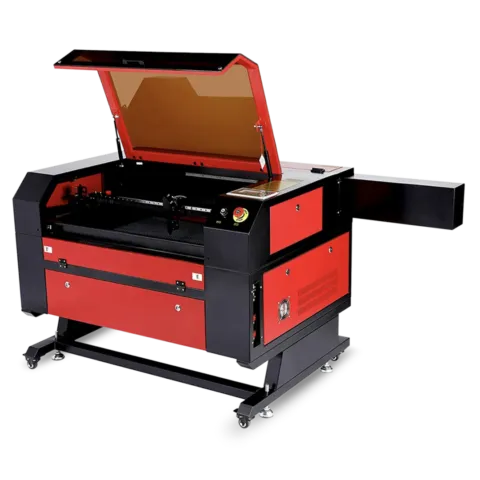
- Choosing between the 50W and 80W laser machines
- Materials: what to use and what to avoid
- Safety: the rules that are not optional
- Finding settings for each material
- Pricing your laser work
- Maintenance and spare parts
- Frequently asked questions
- See a laser machine running
A name engraved into a wooden pen holder, a school crest cut from acrylic, a wedding sign with the couple’s initials: laser work turns plain materials into personal, lasting products. For someone already making mugs, t-shirts or gifts, a CO2 laser adds a different kind of product that sits well beside printed items. For a new maker, a laser engraving business in Sri Lanka can start from a single workshop room, as long as it is ventilated and set up safely.
This guide covers product ideas that suit local occasions, how to choose between the two CO2 laser machines in our catalogue, which materials are safe to use and which to avoid, a simple way to find settings for each material, how to price your work, and the maintenance and spare parts that keep a laser running.
What a CO2 laser can do
A CO2 laser uses a focused beam to engrave (remove a thin surface layer to leave a mark) or cut (go right through the material). The design comes from a computer file: filled areas and photos are usually engraved, and thin vector lines are usually cut. That means one machine can make both flat engraved items and cut-out shapes such as keychains, letters and stencils.
A CO2 laser of this type is suited to organic and non-metal materials such as wood, plywood, MDF, acrylic, paper, card and natural leather. It does not cut metal.
Ideas for a laser engraving business in Sri Lanka
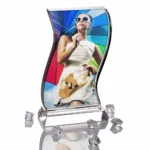
Personalised gifts
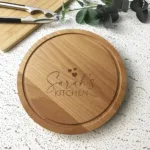
- Engraved wooden pen holders, name plaques and photo blocks for birthdays, Mother’s Day and Father’s Day
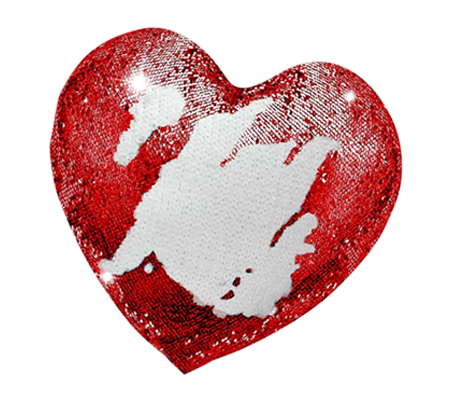
- Heart shapes and keepsake boxes for Valentine’s Day and anniversaries
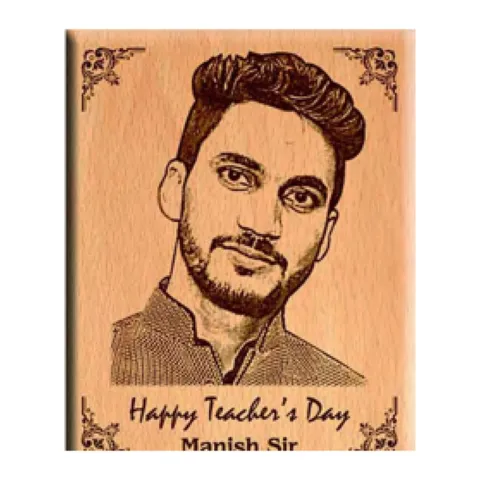
- Engraved gifts for teachers and coaches at the end of the school year
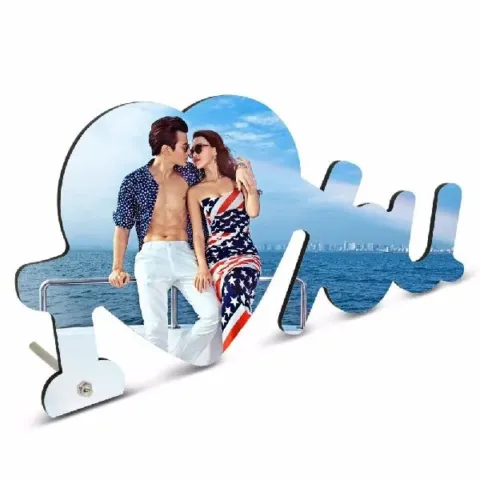
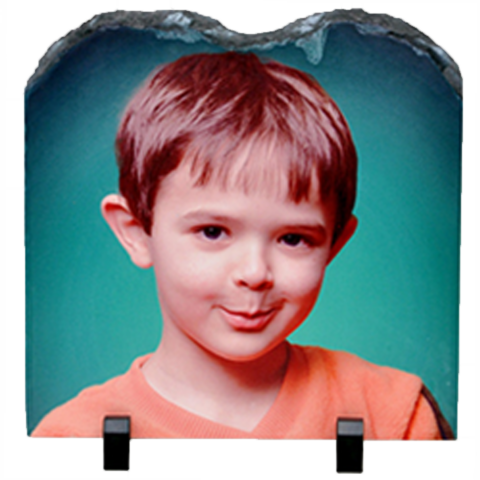
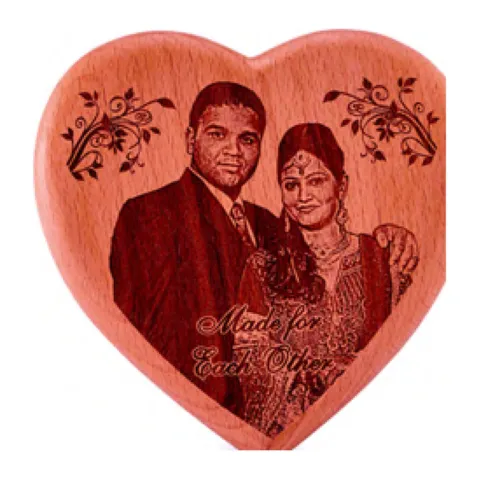
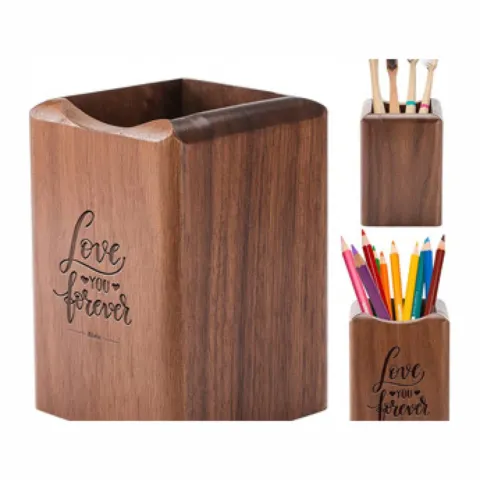
Our wood engraving blanks include an 8×12 panel, a heart shape and a wooden pen holder, which are good first products to practise on and photograph for your page.
Weddings and events
- Welcome signs, table numbers and name place cards in wood or acrylic
- Cake toppers with names and dates (ask how the topper will be used, and choose a material suitable for use near food)
- Engraved favour tags and homecoming gifts
Schools, clubs and companies
- Plaques and awards for sports meets, prize-givings and big matches
- Door signs, desk name plates and logo displays for offices
- Engraved corporate gifts with a company logo for year-end events
Retail and souvenirs
- Keychains, bookmarks and fridge magnets with local designs for souvenir shops
- Greeting-season decorations for Christmas, Deepavali and Avurudu
- Stencils for painters, bakers and craft makers
Treat religious occasions respectfully: simple, well-made designs for Vesak or Eid greetings suit these festivals far better than novelty items. For more timing ideas, see our Sri Lankan printing calendar.
Choosing between the 50W and 80W laser machines
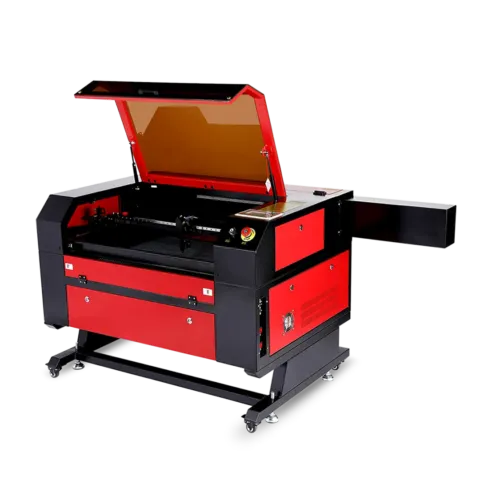
| Feature | 50W CO2 laser cutter and engraver | 80W CO2 laser cutter and engraver |
|---|---|---|
| Working area | 400 × 400 mm | 600 × 400 mm |
| Controller | Ruida controller | Ask us for the controller details |
| Laser power | 50W | 80W |
| Suits | Gifts, plaques, keychains and smaller signs | Larger signs and panels, and more pieces per sheet |
| Price | Quoted on the day | Quoted on the day |
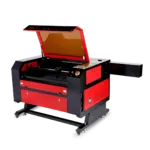
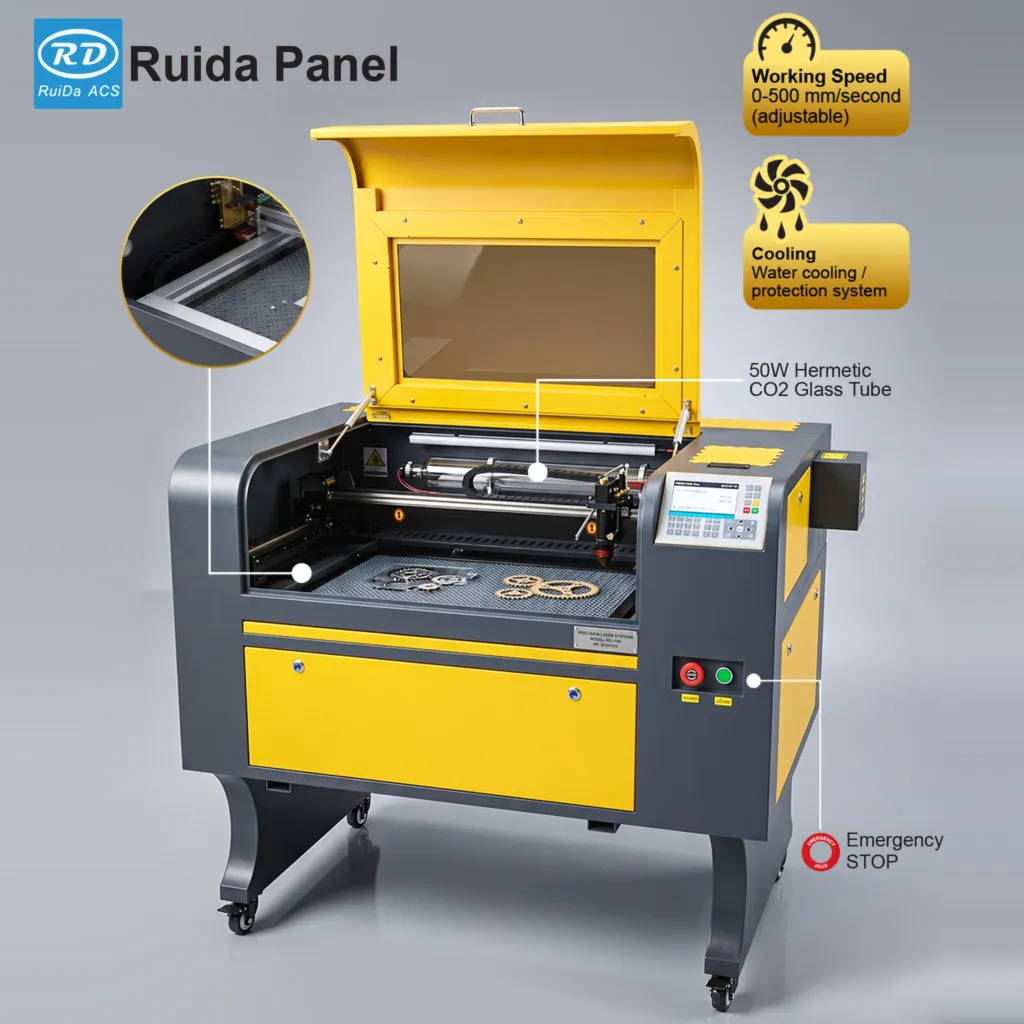
See the 50W CO2 laser cutter and engraver (400 × 400 mm, Ruida controller) and the 80W CO2 laser cutter and engraver (600 × 400 mm).
Questions to answer before choosing
- What is the largest item you plan to make? A sign or panel larger than 400 mm on any side needs the 600 × 400 mm bed.
- Will you mostly engrave or mostly cut? In general, more laser power lets you cut thicker material or work faster, but the right choice depends on your materials. Bring a sample of your intended material to the showroom and ask us to demonstrate on both machines.
- Where will it go? Measure your room, doorways and the route for an exhaust duct to the outside before you buy.
- How many pieces per job? A larger bed fits more keychains or tags in one run, which matters for bulk orders.
Materials: what to use and what to avoid
| Material | Use with a CO2 laser? | Notes |
|---|---|---|
| Solid wood, plywood, MDF | Yes | Engraves and cuts; produces smoke, so ventilation matters. Glue layers in some plywood can cut unevenly. |
| Cast acrylic | Yes | Engraves with a frosted look and cuts with clean edges. |
| Paper and card | Yes, with care | Catches fire easily; watch closely and use lower power. |
| Natural leather | Yes, with care | Produces strong odour; ventilate well. Avoid synthetic “leather”. |
| Glass and stone | Engrave only | Surface marking only; test first. |
| Anodised aluminium | Mark only | The coating can be marked; bare metal is not cut. |
| PVC, vinyl, faux leather | Never | Releases chlorine-based gas that is harmful to breathe and corrodes the machine. |
| Polycarbonate and ABS | Avoid | Melts, discolours and gives off unpleasant fumes instead of cutting cleanly. |
| Unknown plastics and coated materials | Avoid | If you cannot confirm what it is, do not put it in the laser. |
The PVC rule matters in a print business, because PVC appears in many products that look harmless, including some cards, signboard materials and vinyl. Keep PVC items well away from the laser area so nobody loads them by mistake.
Safety: the rules that are not optional
- Ventilation: Always run the exhaust and vent fumes to the outside, away from windows and neighbours. Never operate the laser in a closed room without extraction.
- Never leave it running unattended. Materials can catch fire during cutting or engraving. Stay with the machine for the whole job, even a short one.
- Keep a fire extinguisher suitable for electrical equipment within reach, and know how to use it.
- Keep the lid closed while the laser is firing, and do not bypass any safety switches.
- Cooling: CO2 laser tubes need cooling while they fire. Check how your machine’s tube is cooled during training, and never run a job with the cooling off.
- Clean regularly: Built-up residue inside the machine is a fire risk. Clean the bed and tray on a regular schedule.
- Only use known materials, and never PVC or vinyl.
- Stable power: Use a properly rated, earthed socket, and ask us about the right connection before installation.
Finding settings for each material
We do not publish one set of speed and power numbers, because results depend on the machine, the lens focus, the material batch and even the humidity. The reliable method is a test grid.
- Use an offcut of the exact material you will sell.
- Design a grid of small squares, each with a different speed and power combination.
- Run the grid, then label each square with its settings.
- Pick the square that looks best, and write the settings in a notebook for that material.
- For cutting, test a few short lines at different speeds to find the setting that goes cleanly through.
After a few materials you will have your own settings book, which is more useful than any general chart. Always run a test piece before a customer’s order.
Pricing your laser work
Laser jobs are priced mostly on material and machine time. Fill in this worksheet with your own figures.
| Cost line | Your figure |
|---|---|
| Material or blank per piece | [From your supplier quote] |
| Machine time per piece | [Minutes × your hourly machine rate] |
| Design or setup time | [Minutes × your hourly rate, spread across the order] |
| Finishing and packaging | [Your figure] |
| Wastage allowance for test pieces | [Your figure] |
| Selling price | Total cost + your margin |
Your hourly machine rate should cover electricity, exhaust running, consumable parts such as lenses and the gradual wear of the laser tube. Our pricing guide for printed products explains how to set a margin, and how to sell printed products online covers showing your work on Facebook, Instagram and WhatsApp.
Maintenance and spare parts
A laser needs routine care. Clean the lens and mirrors gently when output starts to weaken, check that belts are tight, and keep the machine free of dust and residue. Over time, parts such as the laser tube wear and need replacing.
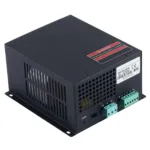
Our laser machine spare parts and accessories category includes laser tubes and power supplies in several wattages, focus lenses, mirrors, stepper belts, a Ruida control panel and a motherboard. Ask us which parts match your machine before ordering.
If you already make sublimation gifts, a laser pairs naturally with that work. Our photo mug and personalised gift business guide shows how to build a gift range around several products.
Frequently asked questions
What can I make with a CO2 laser engraving machine?
You can engrave and cut wood, plywood, MDF, cast acrylic, paper, card and natural leather, and engrave glass and stone surfaces. Popular products include name plaques, pen holders, keychains, signs, awards and wedding decorations.
Can a CO2 laser cut PVC?
No. Never cut or engrave PVC or vinyl in a CO2 laser. It releases harmful chlorine-based gas and corrodes the machine. If you are unsure what a plastic is made of, do not use it.
Should I choose the 50W or the 80W laser machine?
The 50W machine has a 400 × 400 mm working area with a Ruida controller, and the 80W machine has a 600 × 400 mm working area. Choose based on the largest items you plan to make and the materials you will cut. Ask us for a demonstration with your own material.
How much does a laser engraving machine cost?
Machine prices are quoted on the day, because they move with the exchange rate. Message us on WhatsApp for today’s quote on either machine.
Can I leave the laser running while I do other work?
No. Materials can catch fire during a job, so never leave a laser running unattended. Stay with the machine, keep the exhaust on and keep a fire extinguisher close by.
See a laser machine running
The best way to decide is to watch a machine work on the materials you plan to use. Visit our showroom at 382 Galle Road, Colombo 06, or message us on WhatsApp at 077 762 8679 to arrange a demonstration and get today’s quote. Our machines come with installation, training and spare parts. You can also watch machines in action on our videos page.